
LinkedIn Follow vs Connect: which button should founders show?
LinkedIn follow vs connect comes down to one setting. It decides which button people see first on your profile. With Follow first, people can still send you a connection request. LinkedIn says they can select More and then Connect.
A simple rule we suggest: keep Connect if you win clients through outreach. Try Follow if you mostly post and get many connection requests from people outside your market.
What switching to Follow changes
Switching changes the first button strangers see on your profile. The setting is called "Make follow primary" on LinkedIn's help page on follower settings. It is an on/off switch: on shows Follow first, off shows Connect first.
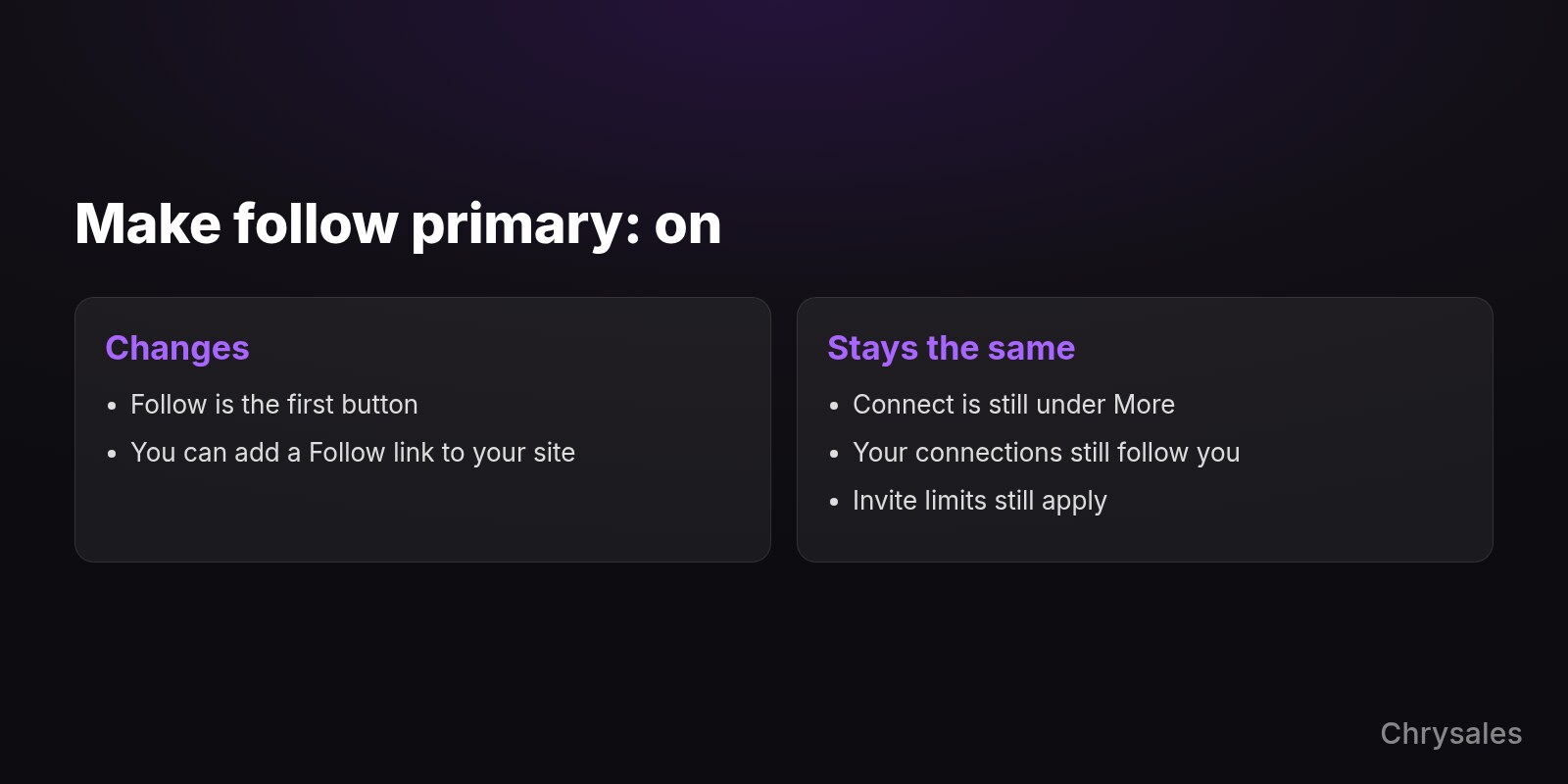
There is one side effect to know about. Anyone who sends you a connection request on a Follow-first profile starts following you right away. If you decline, they keep following unless they unfollow you.
LinkedIn added the option in 2018, as Social Media Today reported. LinkedIn said "a large volume of connection requests from people you do not know" can be "overwhelming."
LinkedIn follow vs connect in plain words
A connection goes both ways, and a follow goes one way. LinkedIn explains that connected people can message each other directly and see each other's posts. When you follow someone, you see their posts, but they don't automatically see yours.
Your 1st-degree connections (people you are directly connected to) automatically follow your posts. Anyone else can follow you without connecting, so a follower is not always a connection.
Connections also have a limit. You can have up to 30,000 1st-degree connections as of November 2026. We found no LinkedIn page that limits followers.
A famous profile shows how far apart the two counts can be. On the day we checked, Bill Gates's public profile showed about 41 million followers and 8 connections. Your numbers will look nothing like that, but it shows the two counts are separate.
Keep Connect if you sell through outreach
If you send connection requests to buyers, keep Connect as your first button. Prospects may look at your profile after your request or message, and Connect keeps the next step to one click.
Since that profile is where they land, it helps to fix the rest of what strangers see on your profile as well.
Every connection request you send counts. LinkedIn limits how many invitations you can send and publishes no exact number. Many ignored or spam-marked requests can lead to limits on your account.
So aim your requests at people who fit your offer. Our guide on how to write the connection request covers the message itself.
Lindsey Gamble, a creator economy strategist, wrote in 2024 that some people value connections more, "making the Connect button more valuable" for them. That fits you if you sell through outreach, because each new connection is someone you can message directly.
When Follow is the better choice
Follow fits when you mainly post content and get many requests from people outside your market. Strangers can follow your posts, and your connection list stays for buyers and people you know.
Two other cases make Follow worth a look. One is the 30,000 connection limit.
A startup founder on Hacker News switched to Follow at 20,000 connections. The founder explained that "LinkedIn has a max of 30K connections."
The other is your website. LinkedIn's Follow link or button for your site needs Follow set as the first button on your profile.
Don't expect the switch to get your posts seen by more people. We found no LinkedIn page that says Follow first does that.
In 2018, Andrew Hutchinson of Social Media Today asked whether followers are more likely than connections to see your updates. Hutchinson's answer was "Technically, probably not," because your first-degree connections already follow you. If you want more people to see your posts, work on a post format built for B2B reach instead.
Here is the same rule by situation.
| Your situation | Button to show | Why |
|---|---|---|
| You do outreach, with or without posting | Connect | Buyers can connect in one click |
| You mostly post and strangers ask to connect | Follow | Your connection list stays for buyers you know |
| You are close to 30,000 connections | Follow | Strangers follow you instead of taking up connections |
How to switch and check it worked
Turn the "Make follow primary" switch on or off, check that everyone can follow you, then test it with someone outside your network. On desktop, the switch sits under Me > Settings & Privacy > Visibility > Followers, per LinkedIn's follower settings page as of November 2026. Changes can take up to 24 hours to show.
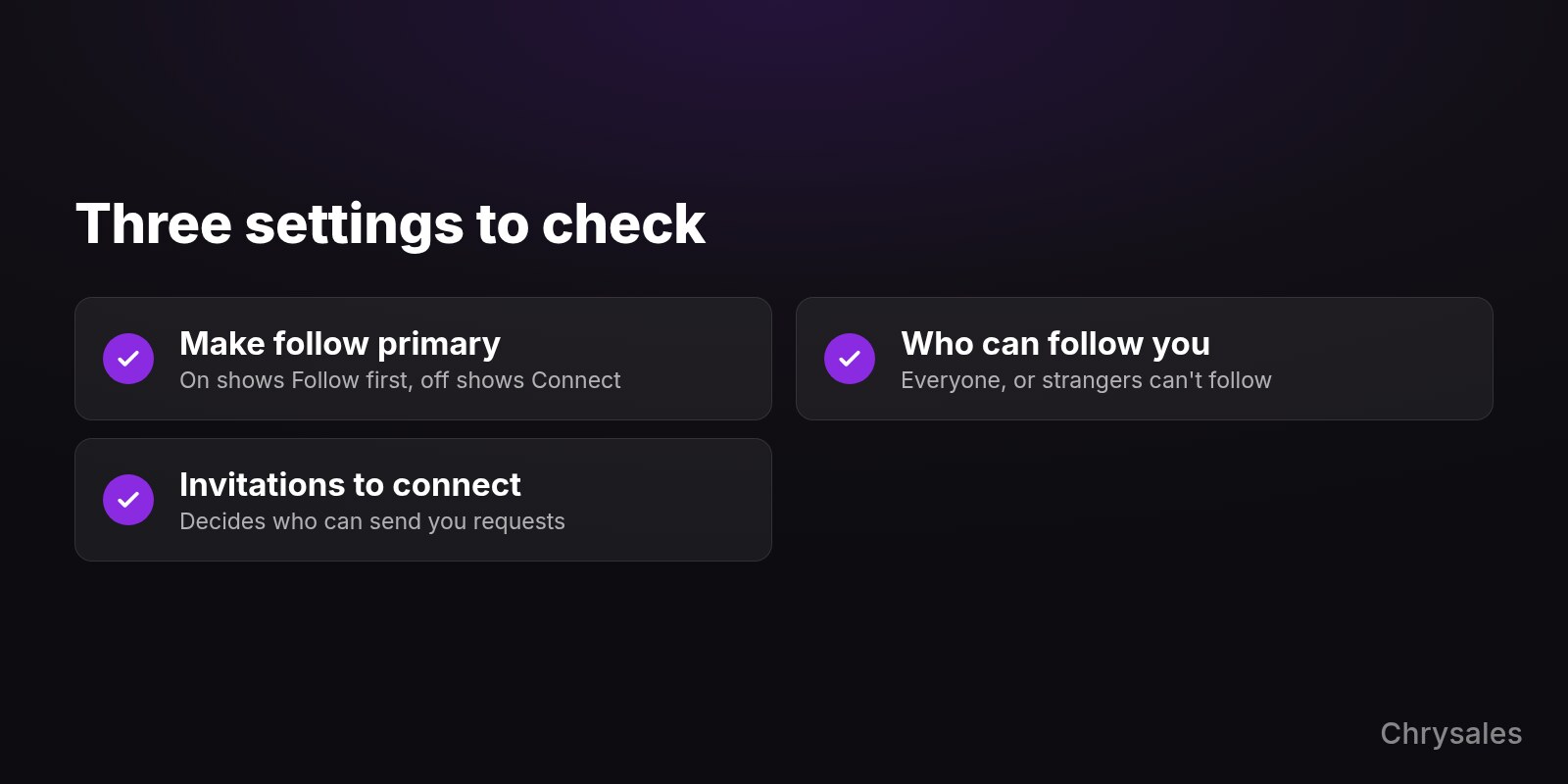
The switch alone is not always enough. Developer Jamie Tanna wrote up a case where another LinkedIn user's Follow didn't work. "Who can follow you" was set to Your connections instead of Everyone on LinkedIn.
If you limit "Who can follow you" to your connections, LinkedIn removes your followers outside your network.
If you want to stop strangers from sending requests at all, that is a separate setting called Invitations to connect, not the Follow switch.
Some older guides say to turn on Creator Mode first. Creator Mode was a LinkedIn switch for posting tools, and LinkedIn removed it in 2024. Today all members have creator analytics, so there is nothing extra to turn on.
Then test it. Ask someone on LinkedIn who isn't connected to you to open your profile and tell you which button they see first.
Conclusion: pick by how you win clients
Start with where your clients come from today. If most deals begin with your outreach, keep Connect. If they begin with people who read your posts, and requests from outside your market pile up, try Follow.
Then check your settings and ask someone outside your network what they see. Look again if you get close to the 30,000 connection limit or your main channel changes.
In this video, Sabir goes through four ways to find clients, including how content and outbound work together.
Want your profile and your outreach to work as one system? On a free strategy call, Chrysales can talk through how you reach buyers on LinkedIn today and what to build around it. Get your LinkedIn setup reviewed on a free call
LinkedIn follow vs connect comes down to one setting. It decides which button people see first on your profile. With Follow first, people can still send you a connection request. LinkedIn says they can select More and then Connect.
A simple rule we suggest: keep Connect if you win clients through outreach. Try Follow if you mostly post and get many connection requests from people outside your market.
What switching to Follow changes
Switching changes the first button strangers see on your profile. The setting is called "Make follow primary" on LinkedIn's help page on follower settings. It is an on/off switch: on shows Follow first, off shows Connect first.
There is one side effect to know about. Anyone who sends you a connection request on a Follow-first profile starts following you right away. If you decline, they keep following unless they unfollow you.
LinkedIn added the option in 2018, as Social Media Today reported. LinkedIn said "a large volume of connection requests from people you do not know" can be "overwhelming."
LinkedIn follow vs connect in plain words
A connection goes both ways, and a follow goes one way. LinkedIn explains that connected people can message each other directly and see each other's posts. When you follow someone, you see their posts, but they don't automatically see yours.
Your 1st-degree connections (people you are directly connected to) automatically follow your posts. Anyone else can follow you without connecting, so a follower is not always a connection.
Connections also have a limit. You can have up to 30,000 1st-degree connections as of November 2026. We found no LinkedIn page that limits followers.
A famous profile shows how far apart the two counts can be. On the day we checked, Bill Gates's public profile showed about 41 million followers and 8 connections. Your numbers will look nothing like that, but it shows the two counts are separate.
Keep Connect if you sell through outreach
If you send connection requests to buyers, keep Connect as your first button. Prospects may look at your profile after your request or message, and Connect keeps the next step to one click.
Since that profile is where they land, it helps to fix the rest of what strangers see on your profile as well.
Every connection request you send counts. LinkedIn limits how many invitations you can send and publishes no exact number. Many ignored or spam-marked requests can lead to limits on your account.
So aim your requests at people who fit your offer. Our guide on how to write the connection request covers the message itself.
Lindsey Gamble, a creator economy strategist, wrote in 2024 that some people value connections more, "making the Connect button more valuable" for them. That fits you if you sell through outreach, because each new connection is someone you can message directly.
When Follow is the better choice
Follow fits when you mainly post content and get many requests from people outside your market. Strangers can follow your posts, and your connection list stays for buyers and people you know.
Two other cases make Follow worth a look. One is the 30,000 connection limit.
A startup founder on Hacker News switched to Follow at 20,000 connections. The founder explained that "LinkedIn has a max of 30K connections."
The other is your website. LinkedIn's Follow link or button for your site needs Follow set as the first button on your profile.
Don't expect the switch to get your posts seen by more people. We found no LinkedIn page that says Follow first does that.
In 2018, Andrew Hutchinson of Social Media Today asked whether followers are more likely than connections to see your updates. Hutchinson's answer was "Technically, probably not," because your first-degree connections already follow you. If you want more people to see your posts, work on a post format built for B2B reach instead.
Here is the same rule by situation.
| Your situation | Button to show | Why |
|---|---|---|
| You do outreach, with or without posting | Connect | Buyers can connect in one click |
| You mostly post and strangers ask to connect | Follow | Your connection list stays for buyers you know |
| You are close to 30,000 connections | Follow | Strangers follow you instead of taking up connections |
How to switch and check it worked
Turn the "Make follow primary" switch on or off, check that everyone can follow you, then test it with someone outside your network. On desktop, the switch sits under Me > Settings & Privacy > Visibility > Followers, per LinkedIn's follower settings page as of November 2026. Changes can take up to 24 hours to show.
The switch alone is not always enough. Developer Jamie Tanna wrote up a case where another LinkedIn user's Follow didn't work. "Who can follow you" was set to Your connections instead of Everyone on LinkedIn.
If you limit "Who can follow you" to your connections, LinkedIn removes your followers outside your network.
If you want to stop strangers from sending requests at all, that is a separate setting called Invitations to connect, not the Follow switch.
Some older guides say to turn on Creator Mode first. Creator Mode was a LinkedIn switch for posting tools, and LinkedIn removed it in 2024. Today all members have creator analytics, so there is nothing extra to turn on.
Then test it. Ask someone on LinkedIn who isn't connected to you to open your profile and tell you which button they see first.
Conclusion: pick by how you win clients
Start with where your clients come from today. If most deals begin with your outreach, keep Connect. If they begin with people who read your posts, and requests from outside your market pile up, try Follow.
Then check your settings and ask someone outside your network what they see. Look again if you get close to the 30,000 connection limit or your main channel changes.
In this video, Sabir goes through four ways to find clients, including how content and outbound work together.
Want your profile and your outreach to work as one system? On a free strategy call, Chrysales can talk through how you reach buyers on LinkedIn today and what to build around it. Get your LinkedIn setup reviewed on a free call
Scaling Is Not Hard If You Have The Right Systems
If you’re serious about leveling up your scaling game, you need the right system, the right training, and the right team behind you. We're here to give you the exact tools and strategies top entrepreneurs use to dominate.
Discover the latest tips
View All
Chrysales was formed from the words "chrysalis" the stage where a caterpillar transforms into a butterfly and "sales".
It stands for one thing: sales transformation.Because scaling doesn’t happen by doing more of the same. Scaling only happens when you go through real transformation in your systems, your offer, team and the way you sell.


